
Get FlowVisual
Native desktop app for macOS and Windows. Capturing, stress testing, saving and the PDF are free for good. No account, no cloud, no trial that expires.
What you need
macOS
- macOS 12 (Monterey) or newer
- Apple Silicon or Intel
- about 200 MB free disk space
- Distributed via the Mac App Store
Windows
- Windows 10 (64-bit) or Windows 11
- about 250 MB free disk space
- Distributed via the Microsoft Store
- No administrator rights required
Straight from the release repository
Installers for macOS and Windows, straight from the Balane releases, no store account needed. On Windows we recommend the Store version: it is signed by Microsoft and starts without a SmartScreen prompt. The store versions update themselves; here you fetch a new version yourself.
Your first twenty minutes
- 01
Build the process
Take the process people complain about most. Five to ten steps are enough for a meaningful model.
- 02
Enter the volumes
Cases per day, duration as a range, who does what. Estimates are enough to start: FlowVisual marks them as estimated, and you sharpen them later.
- 03
Run the stress test
One click. After that you know which step throttles your process and whether it's a person or a system.
The guided tour inside the app walks through the same three steps.
The full guide, step by step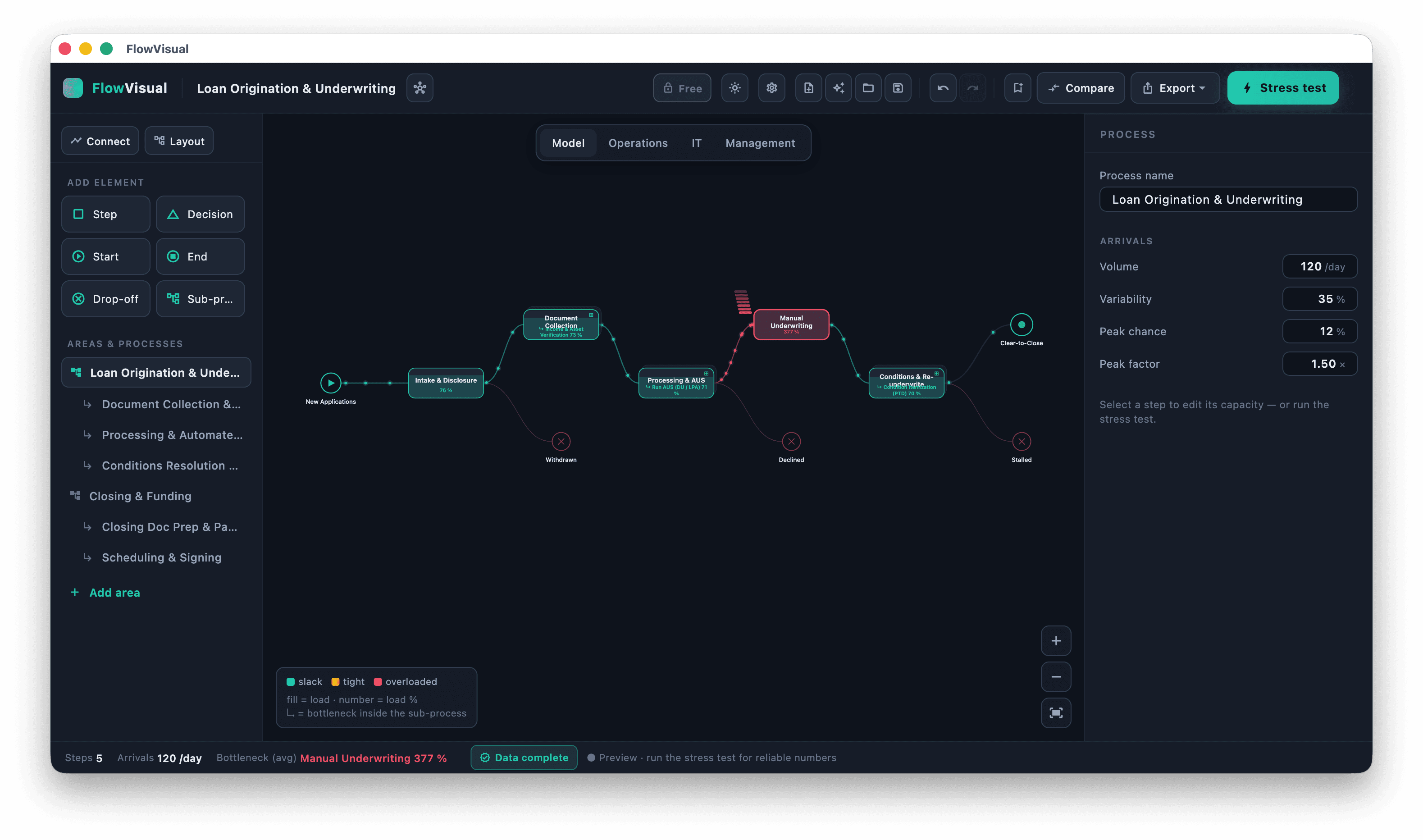
Questions about price, privacy or accuracy are answered in the FAQ on the home page.
Your most expensive process, measured in 20 minutes.
We capture your most important process with you and show you live in FlowVisual where it gets stuck and what that costs.
Live in the tool, with your numbers.